Pulse AI
Overview
Pulse is a natural-language search tool powered by GenAI that puts all of WGSN’s insight at the user’s fingertips. Getting a precise answer to any query is as simple as asking a question and receiving a bespoke answer in seconds, with actionable insights drawn from the breadth of WGSN’s trend intelligence.
My Role
Creating the Pulse Brand
As Pulse became a major strategic launch within the platform, I led the opportunity to define a visual identity that gave the product a clear presence, personality, and emotional connection within the wider ecosystem. My role was to shape a design system that translated a complex AI product into an experience that felt human, intelligent, and alive,bridging brand, interface, and interaction design to create a product experience that was intuitive, engaging, and trusted by users.
Pulse Identity Overview
The logomark comprises five circles representing a dynamic hub of activity. They shift, push, and pull against each other to create a rhythm,a visual heartbeat that feels alive and in motion. The mark was designed as a UI element, required to communicate state, feedback, and personality within a digital interface. The result is a companion that feels responsive and in sync.
The identity needed to feel less like software and more like a smart companion. This insight shaped the core brand direction,rooted in:
The Challenge
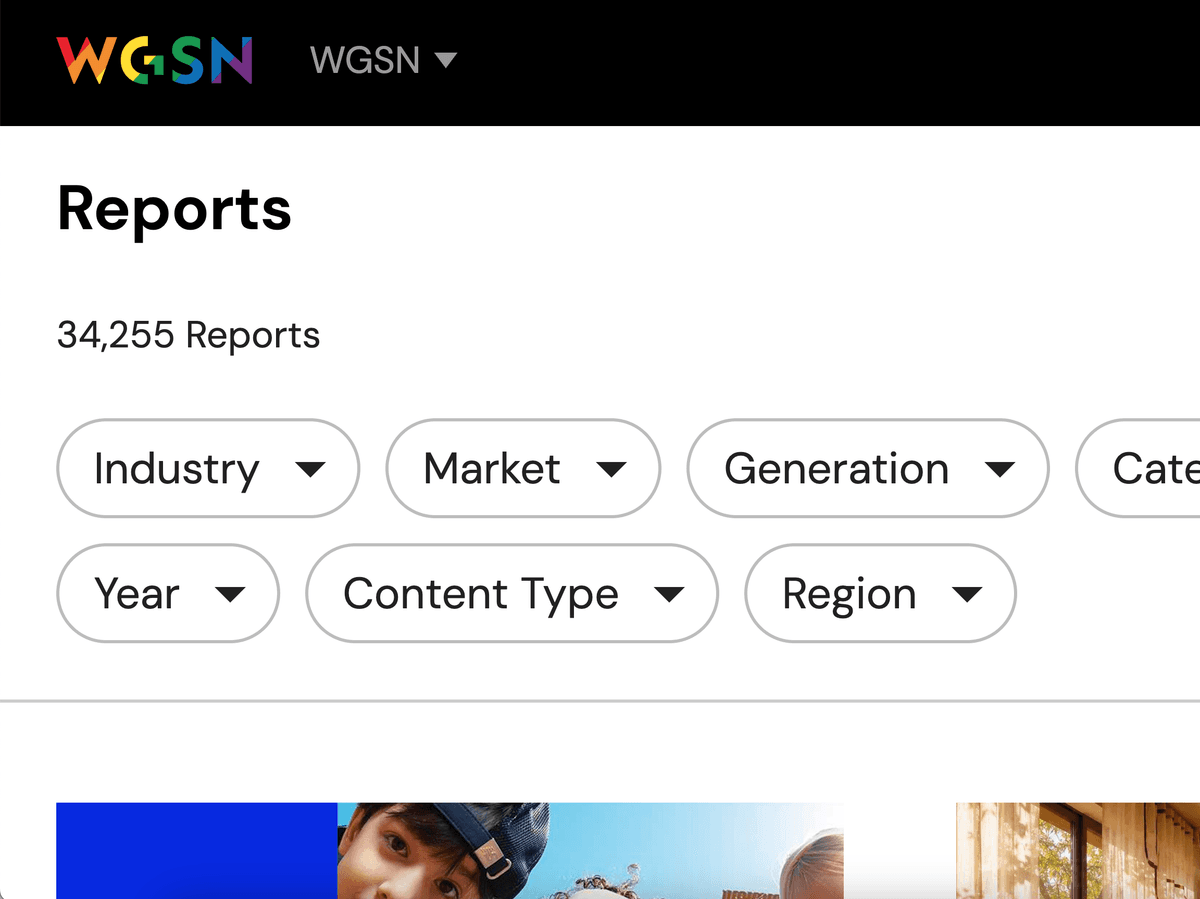
WGSN’s core users are buyers, strategy directors, designers, and planners. They all share a common friction point: the volume of trend content creates friction between data and decisions.
“There’s too much content to sift through: trend reports, data sets, customer insights, colours, silhouettes, images.”
“I don’t have the time to read a full report. I need it straight to the point, something useful for my next buy.”
Users could see trends but struggled to translate them into downstream decisions — connecting intelligence to action was missing.
Pressure to make fast, confident decisions in a competitive, fast-moving market with limited time to synthesise.
Product Design Goals
The tension running through every design decision was speed vs. depth. Users want fast answers, but WGSN’s value has always been in rich, nuanced trend intelligence. The design challenge was building a product that could deliver both without sacrificing either.
Make WGSN’s proprietary data actually usable
The core problem wasn’t that users lacked data,it was that there was too much of it. The design goal was to surface the right insight at the right moment through a conversational interface, rather than forcing users to dig through reports.
Compress the path from insight to decision
Buyers, planners, and strategy directors were under real time pressure. The goal was to eliminate the synthesis step: instead of reading a 40-page trend report, a user should be able to ask a question and get an answer they can act on immediately.
Grow WGSN’s strategic positioning
There’s a commercial layer to the design goals too. Pulse AI was meant to shift WGSN’s perception from a content and report platform to a forward-thinking, AI-powered intelligence tool.
My Design Approach
Align before design
I led cross-functional FigJam workshops to get product, data, and commercial stakeholders in the same room. The goal was to resolve the big strategic questions,who are we building for, what problem are we actually solving, what can the AI realistically access,before any design work began.
Map users to jobs, not personas
Rather than building generic personas, the team mapped each user type (buyers, designers, planners, strategy directors) to specific jobs they needed to get done. This kept the design grounded in real workflow needs rather than assumed behaviour.
Scope by capability tier
Instead of trying to build everything at once, the team organised features into three tiers: Core (chat history, report Q&A, forecast queries), Enhanced (data visuals, pinned questions), and Future (image input, multimodal output). This gave the design a clear direction without overcommitting engineering.
Design Principles
Responsiveness & Performance
Ensure the experience feels fast and fluid.
Provide instant feedback and visible loading states.
Build trust through speed and system transparency.
Customisation & Control
Give users control over how outputs are shaped.
Allow them to tailor depth, tone, and direction.
Keep the user in control of the AI experience.
Scalable Interaction Models
Support multiple ways to interact with the product.
Enable text, voice, image, and file inputs.
Design for workflows that can scale with user needs.
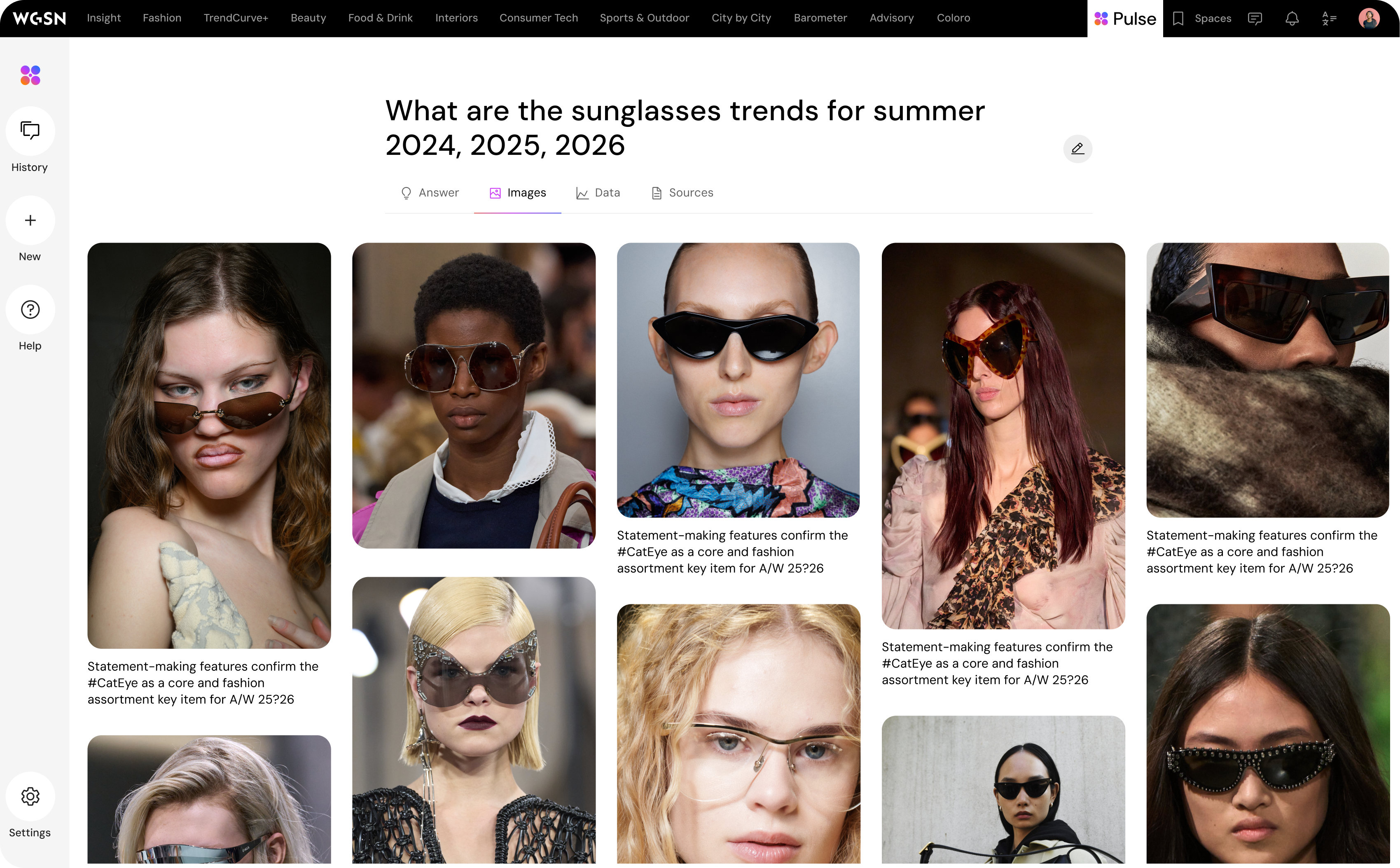
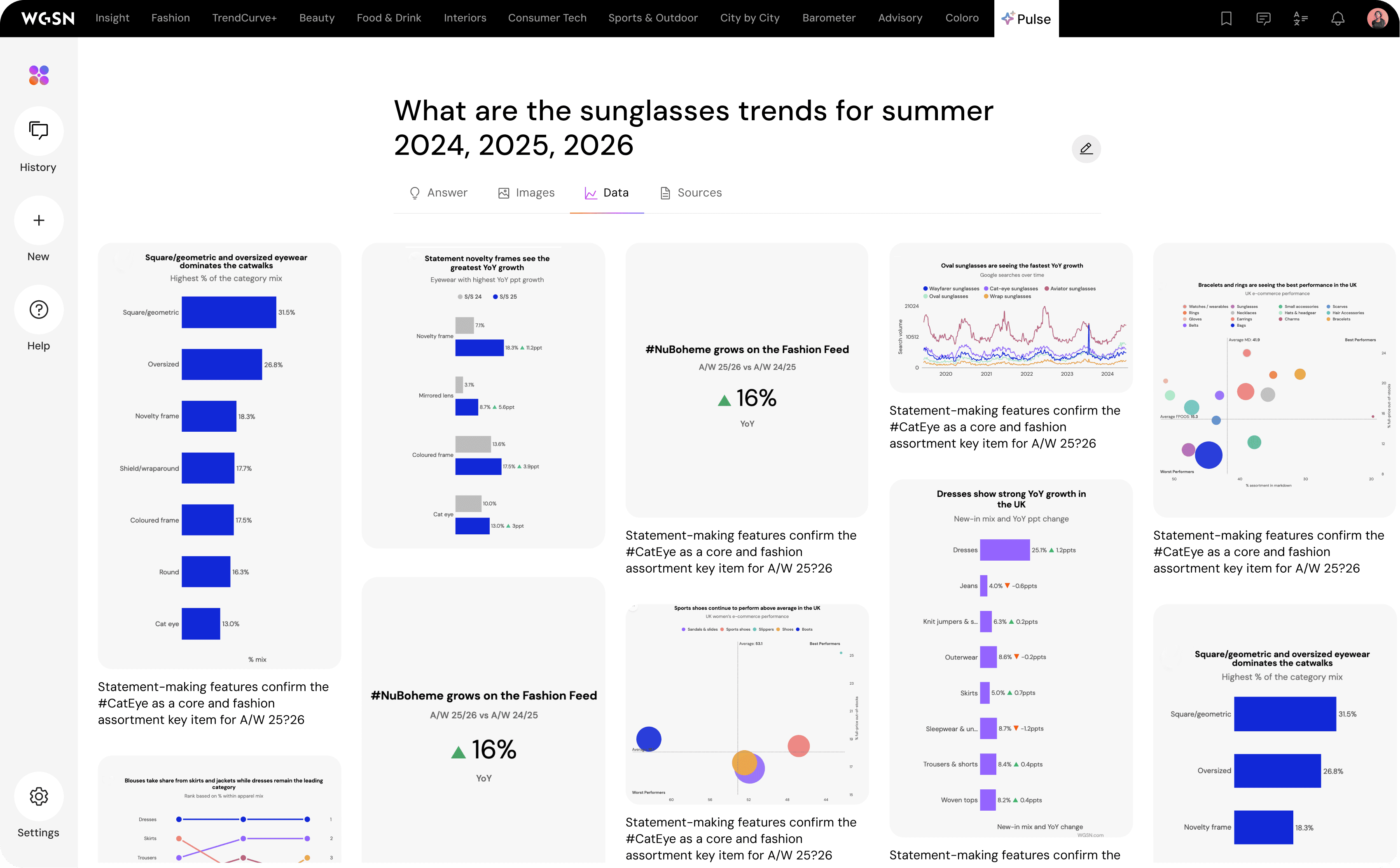
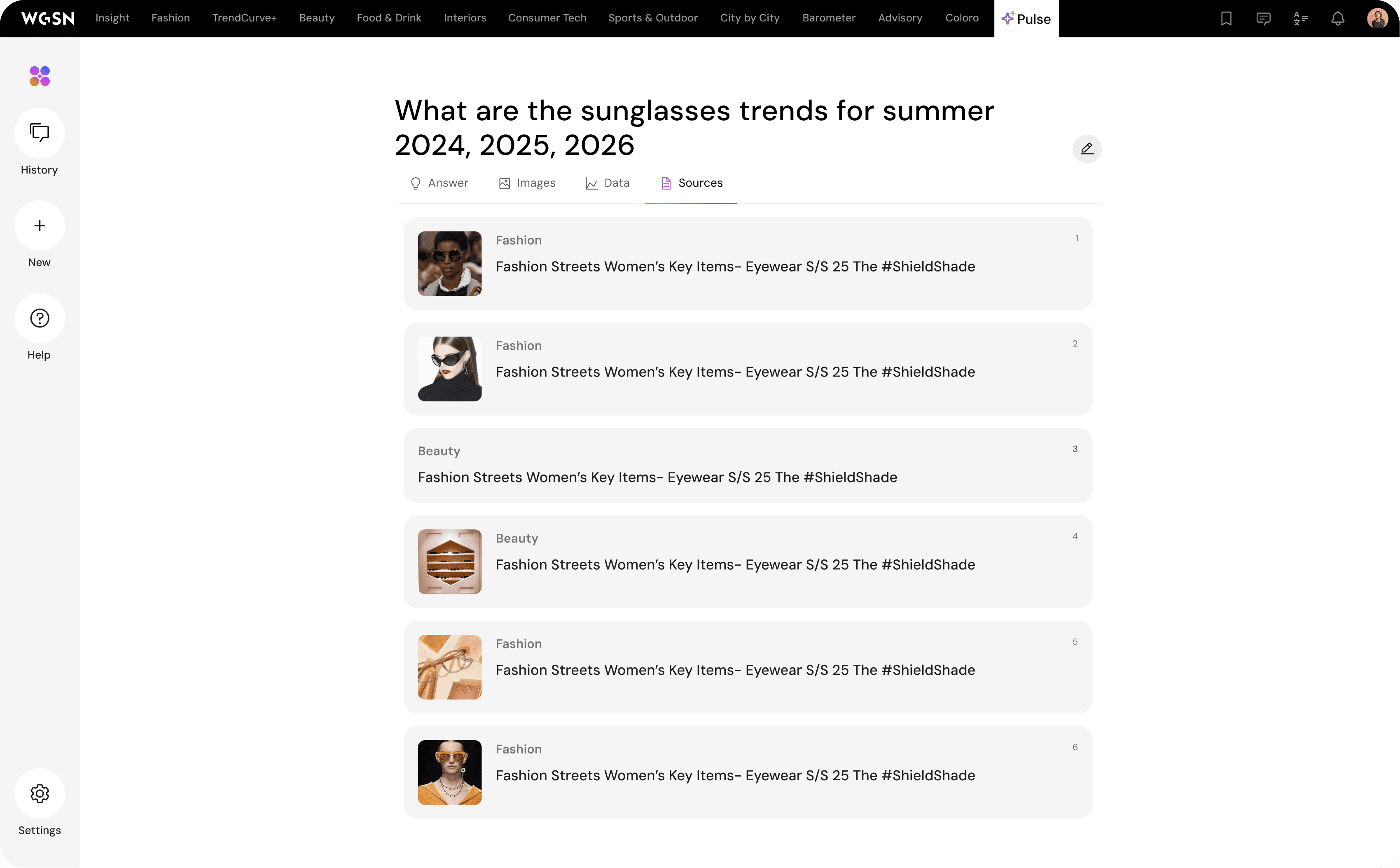
Pulse Integration
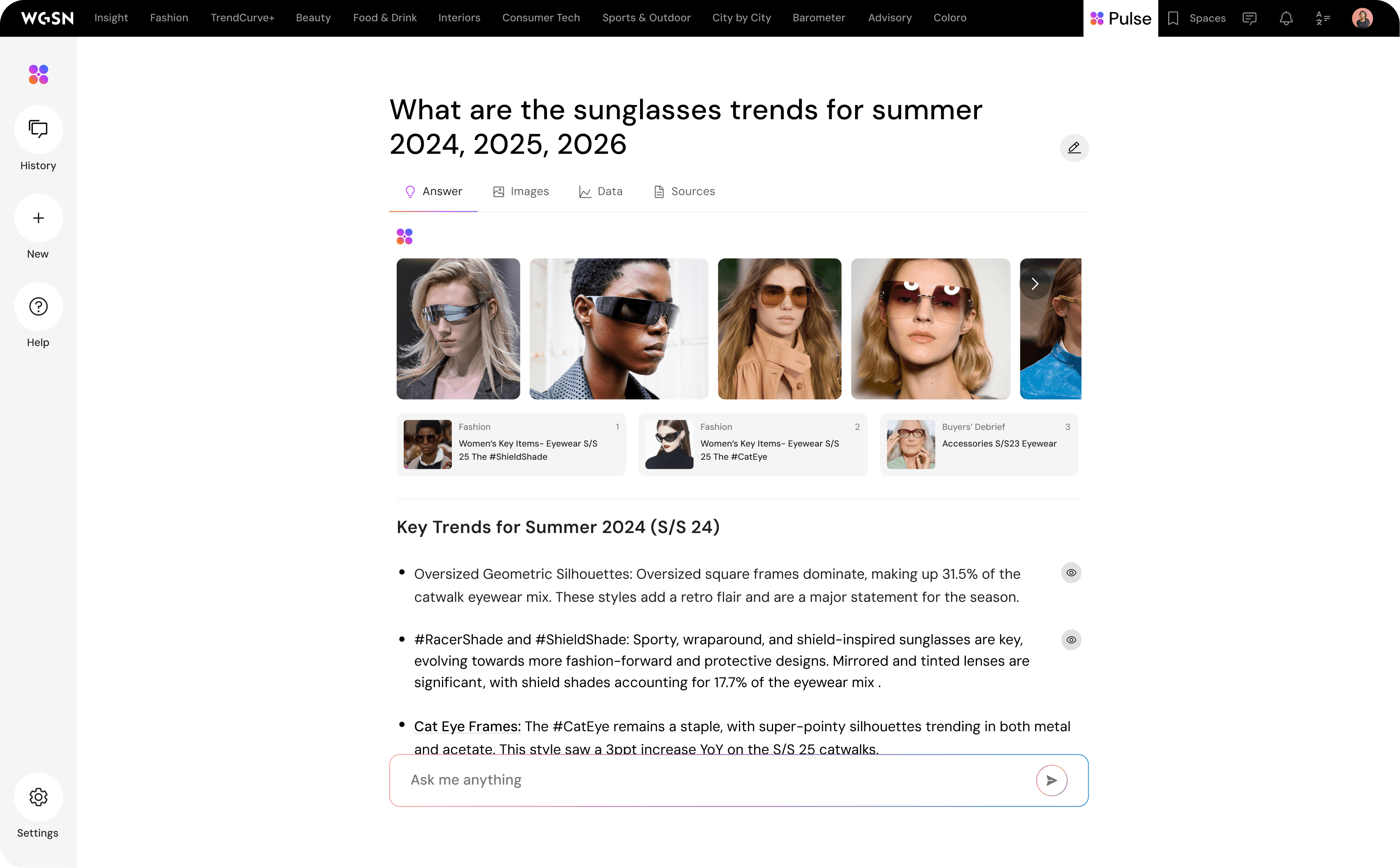
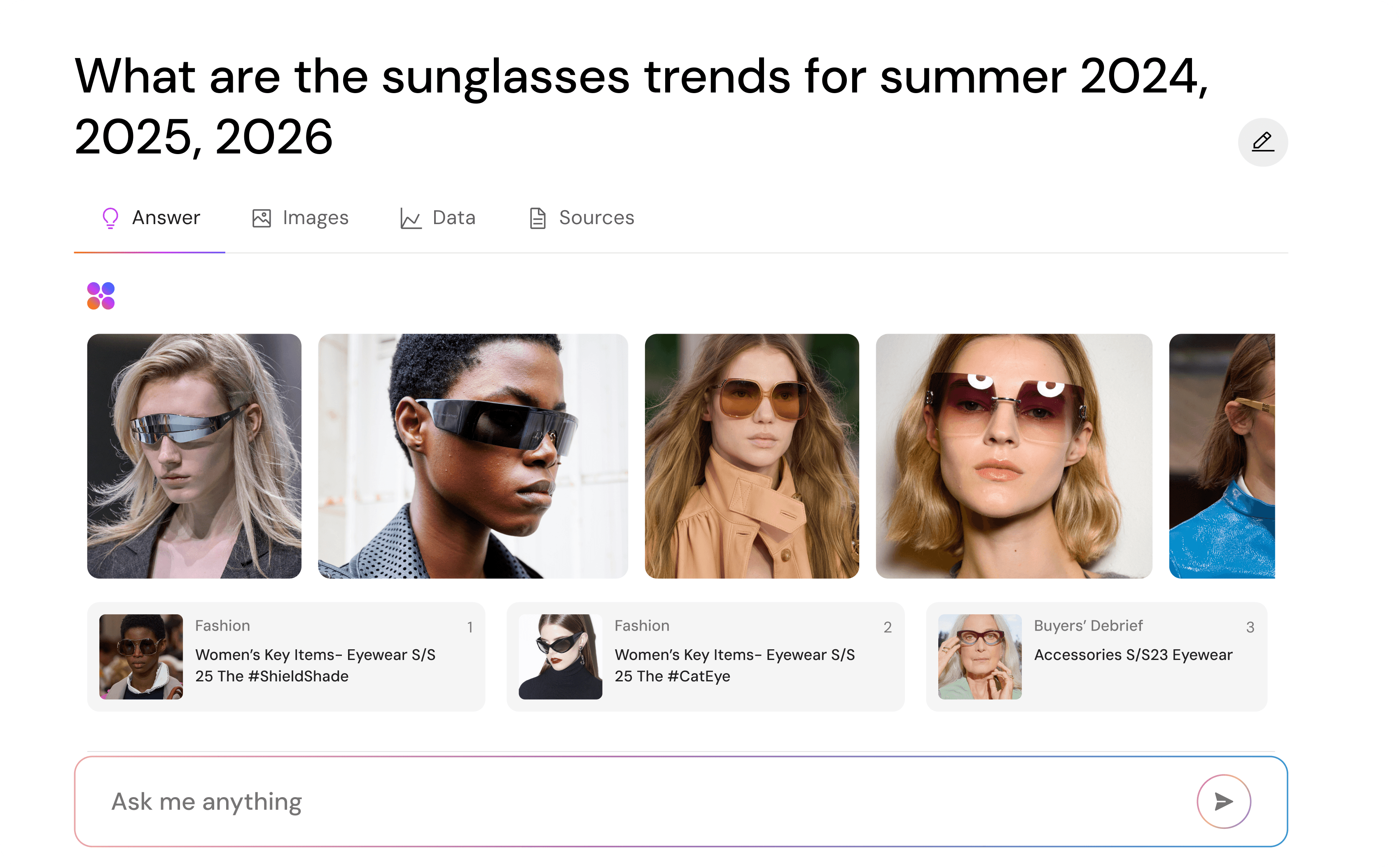
A contextual entry point on the homepage surfaces Pulse at the moment users are most open to exploration, before they've committed to a search path. The banner serves as an ambient prompt, lowering the barrier to first interaction.
Outcomes & Impact
Embedded intelligence across the platform
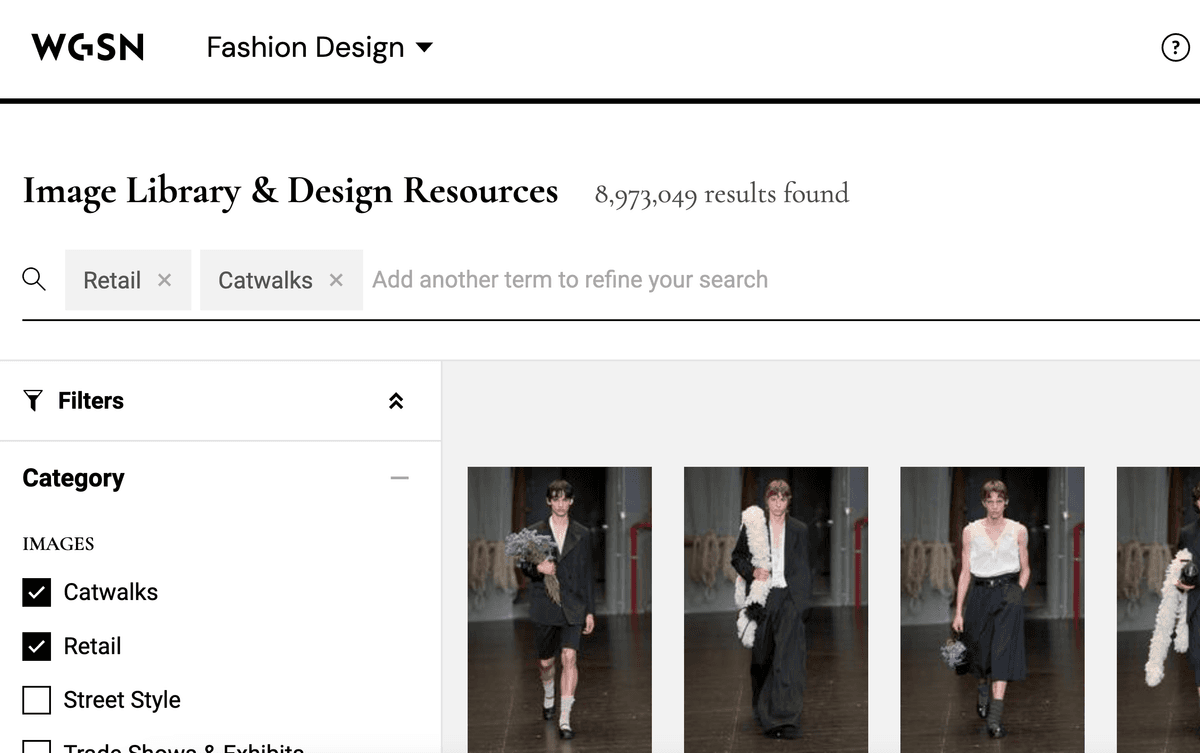
I designed Pulse to meet users across every key discovery moment,homepage, search results, report modules, and a persistent widget. Rather than building a standalone destination, I distributed conversational AI across existing user journeys, so Pulse could drive engagement without requiring users to change their behaviour.
A clearer path from data to decision
For buyers, planners, and strategy directors under time pressure, I focused on compressing the distance between a question and an actionable answer. Tasks that previously required navigating multiple reports became a single conversational interaction, reducing cognitive load at the moments that mattered most.
A product-level differentiator for WGSN
I introduced a capability tiering framework that gave product and engineering a shared language for sequencing work, while giving commercial teams something concrete to position in market. The future-tier features,image input, visual forecasts,were positioned as proof points for WGSN's ambition to lead in AI-powered trend intelligence.
Led design and integration of Pulse AI across the WGSN platform, expanding engagement and unlocking new revenue streams.
Replaced legacy spreadsheet workflows with a dynamic, data-rich dashboard — compressing the path from insight to action.
Driven by continuous research, prototyping, and usability testing across the product portfolio.
Key Learnings
Context is the interface
By surfacing Pulse at moments of existing user intent, the experience felt native rather than bolted on. That taught me that where you put something is as important as what you build.
Distribution is a design problem
Getting users to engage with a new AI feature is a UX challenge, not just a marketing one. Every touchpoint I designed,from the homepage banner to the search promo panel,was a deliberate decision to lower activation energy and reduce the friction of a first interaction.
Proprietary data needs a human moment
Working on Pulse taught me that WGSN's competitive strength,its trend intelligence,is invisible if users are buried in content. WGSN's intelligence is only powerful if users can feel it; design is what makes that possible.